
Word
hardware
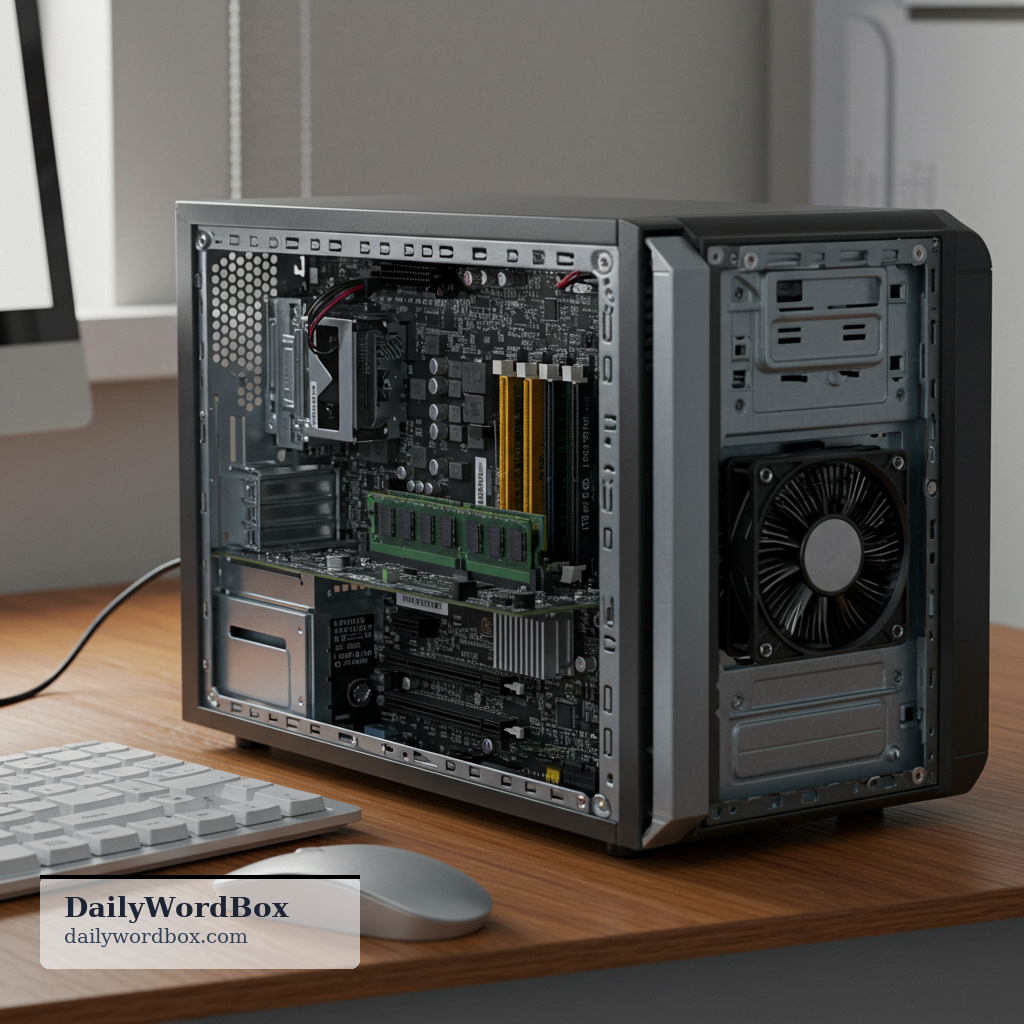
Hardware is the physical equipment of a computer system or other machine.
Meanings
the physical parts of a computer or electronic system, as opposed to software
tools and practical metal items used for building or fixing things, especially those sold in a hardware store

Definition
Hardware refers to the tangible parts of a device that you can see and touch, such as a keyboard, screen, or internal components. In computing, it contrasts with software, which is the programs and data. The word is also used for practical items like tools, nails, and handles sold in a hardware store.
Examples
- Our IT team replaced the hardware after the server began overheating during peak traffic.
- I’m confident the issue is software, because the hardware passed every diagnostic test.
- She upgraded her hardware to run the latest design tools without lag.
- They sell basic hardware there, so we picked up screws, brackets, and a sturdy hinge.
Common mistake
Learners often confuse hardware with software and incorrectly use hardware to mean programs or apps.
More at C1 level
- ubiquitous Present, appearing, or found everywhere at the same time.
- xenophobia Xenophobia is a strong dislike or fear of people from other countries or cultures.
- genocide Genocide is the deliberate killing of a large number of people from a particular group in order to …
- conundrum A conundrum is a confusing and difficult problem to solve.
- pretentious Trying to seem more important, intelligent, or cultured than you really are.
More nouns
- deadline A deadline is a specific time or date by which something must be completed.
- fascism Fascism is an extreme right-wing political system with a powerful dictator, strong nationalism, and…
- gaslighting Gaslighting is a form of psychological manipulation that makes someone doubt their own memory, judg…
- narcissist A narcissist is someone who is excessively self-centered and craves admiration while showing little…
- empathy Empathy is the ability to understand and share another person’s feelings.